
Make technical ideas clear, from first draft to shareable lesson.
Lecture slides, presentations, courses, Shorts and math animations, in one Studio in your browser. Start from a topic or your own files and review what it makes.
No subscription. Your first slides deck each month is free. Sign in when you open Studio.
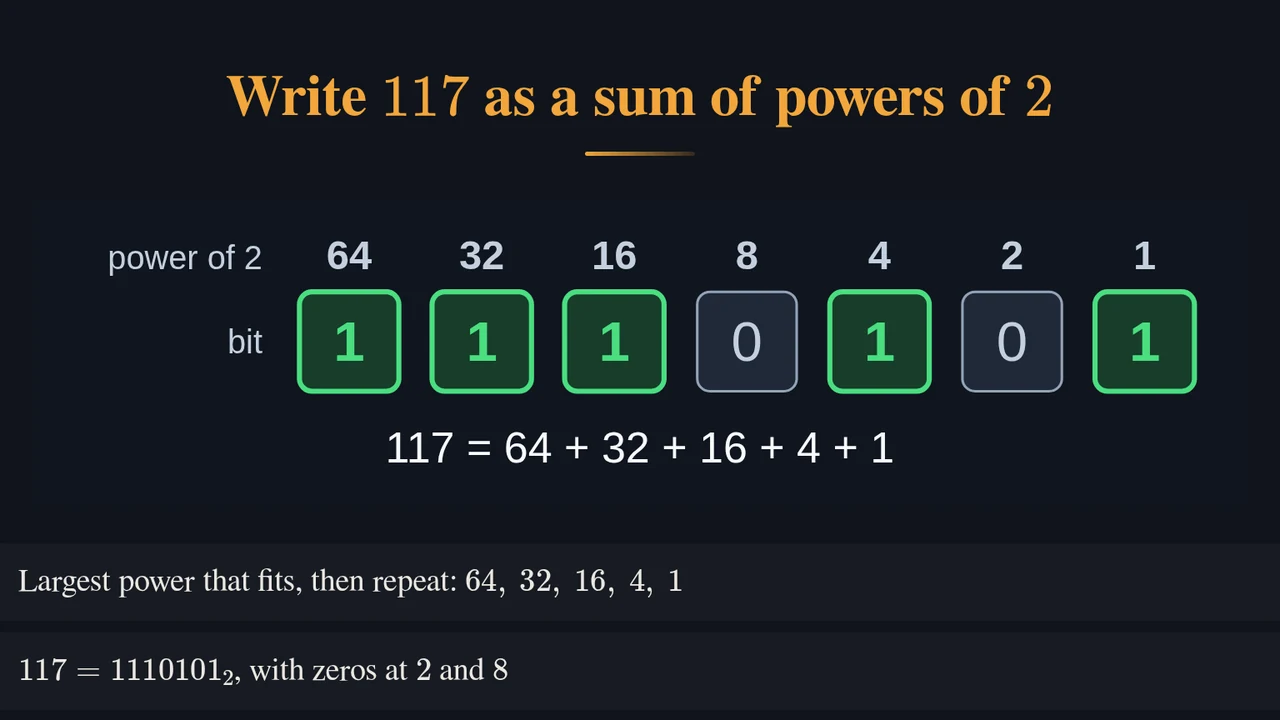 Lecture slides
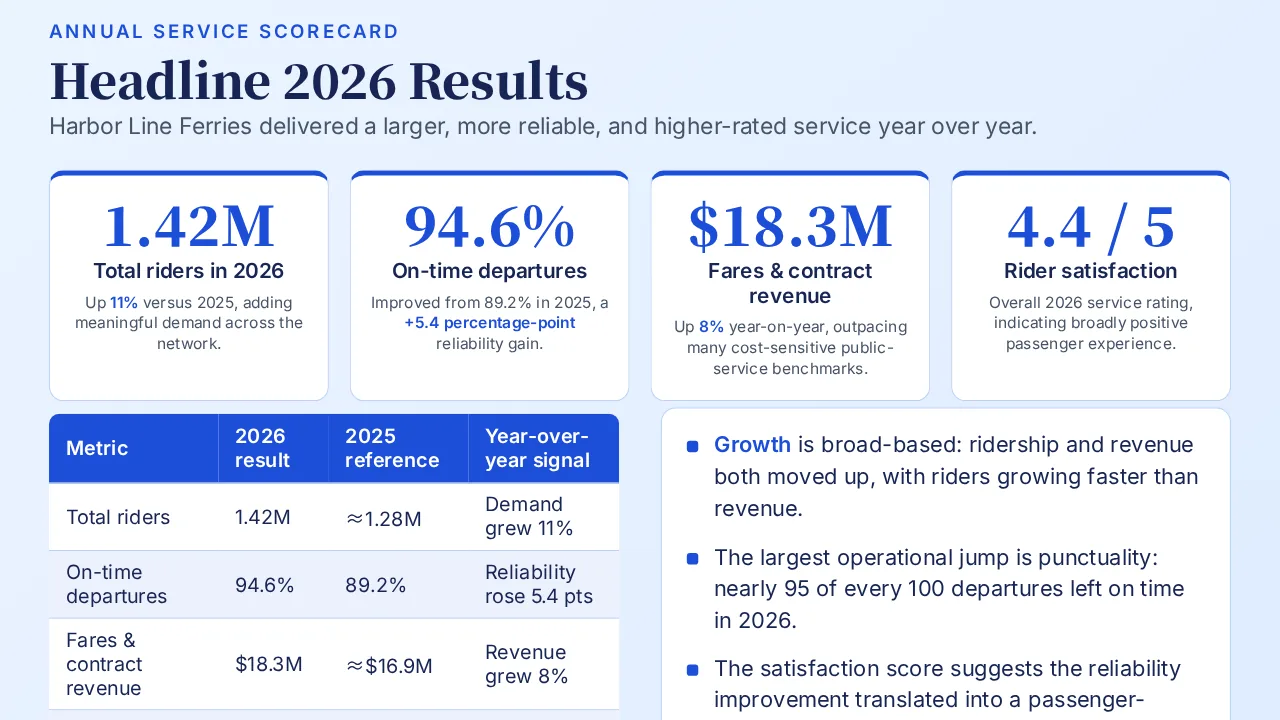 Presentation
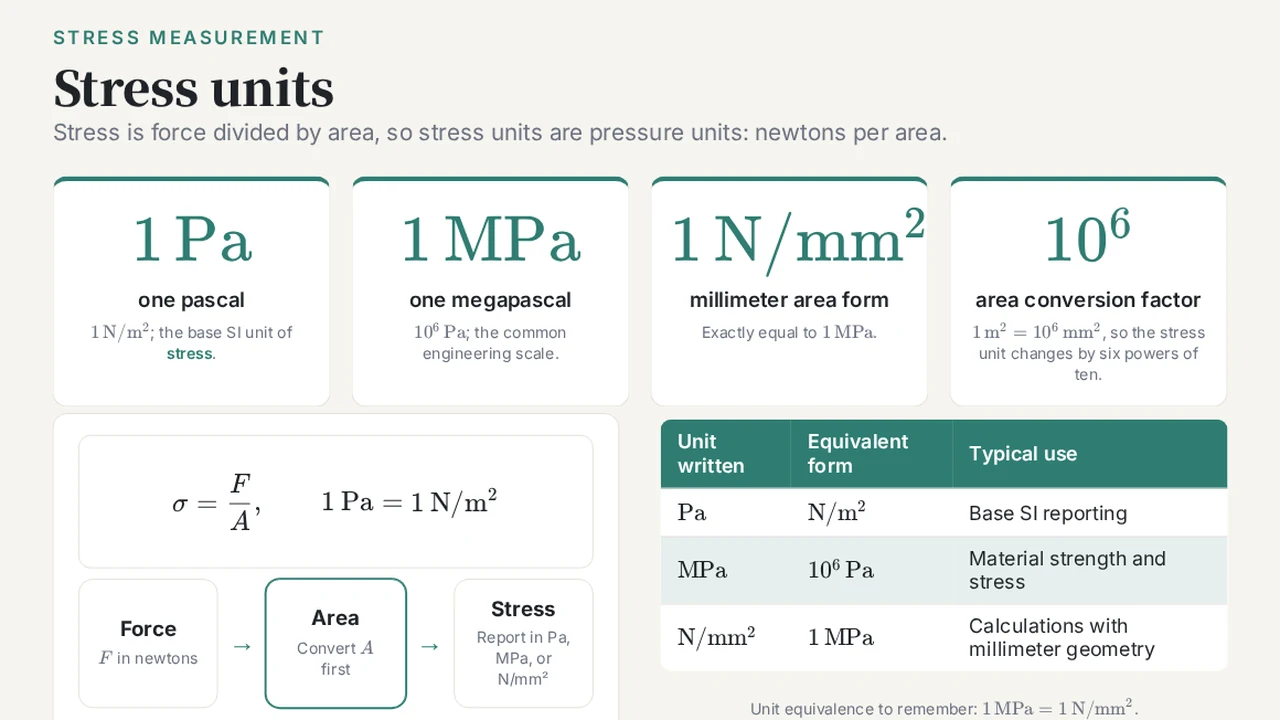 Course
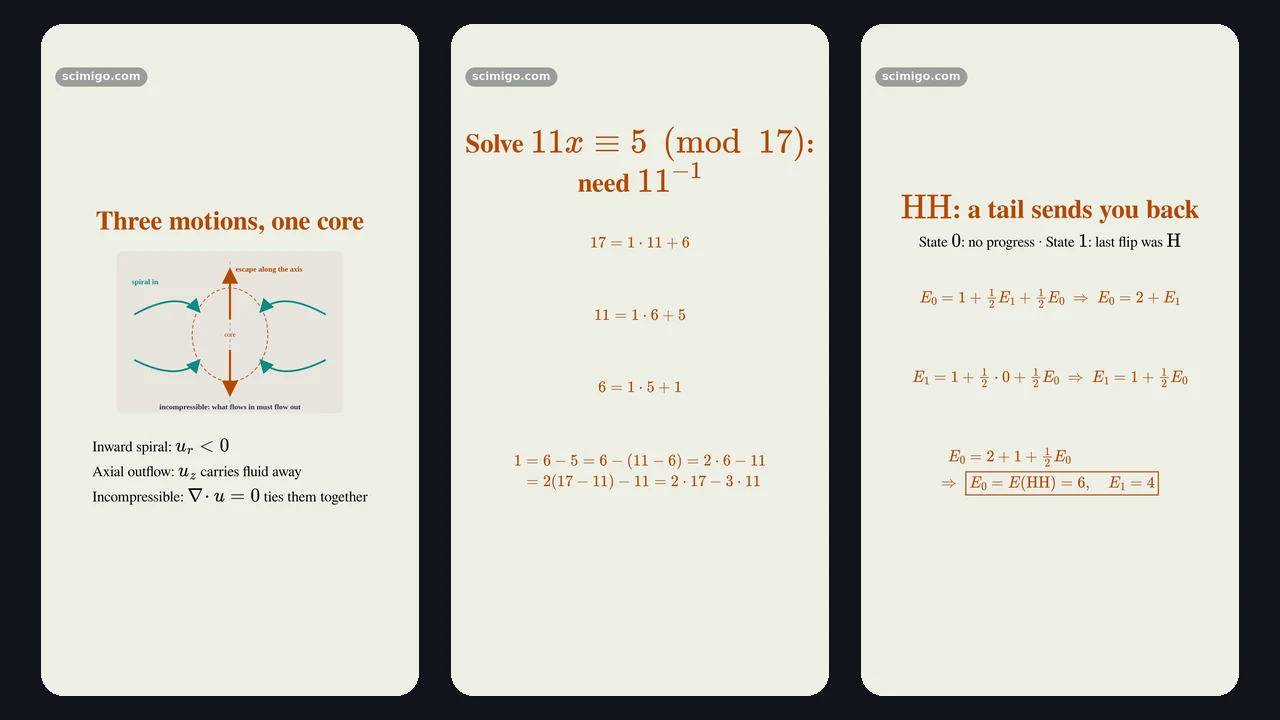 Short
Five things to make, one conversation
Every output starts as a chat. Describe what you need and attach material if you have it.
Lecture slides
A deck from a topic, your notes or a PDF, to read in the browser or download. Add narration afterwards to turn it into a narrated video.
StartPresentation
An editable PowerPoint deck from an outline, a document or notes. Slides only, no narration.
StartCourse
Plan a multi-lesson course from your sources, approve the plan, then review the lessons in batches.
StartShort
Vertical science Shorts, one at a time or as a series, with the script to check before the final render.
Start
You decide at every step that matters
Start from a topic or your files
Type a request, or attach PDF, Word, Markdown, LaTeX, HTML or images.
Review and revise
Studio drafts first. Ask for changes in the same chat.
Approve the price
A paid step shows its price; nothing paid runs until you approve it.
Generate
Follow progress in the chat, and retry a failed job there.
Download or share
Download slides and videos, or publish a finished course at its own address.
See the price before you pay
Studio has no subscription. Paid work comes from a credit balance (1 credit = US$0.01) or a video package, and your first slides deck each month is free.
- Slides and videos get an exact quote from our server. The job starts only when you approve that quote.
- A course is priced per lecture and a Shorts series per episode. You approve the most it can cost before it starts, and pay only for what is made.
- Short of credits? Buy a pack and you come back to the same chat.
What to know before you start
- Studio is in beta. Review generated material before you share it: it can contain mistakes.
- A published course gets a permanent public address. Nothing lists it: people reach it by the link you share.
- Studio works in English and 简体中文, in your web browser.
Start with what you want to explain.
Open Studio and describe it, in English or Chinese.
Looking for one use? Lessons for STEM educators · Science Shorts